
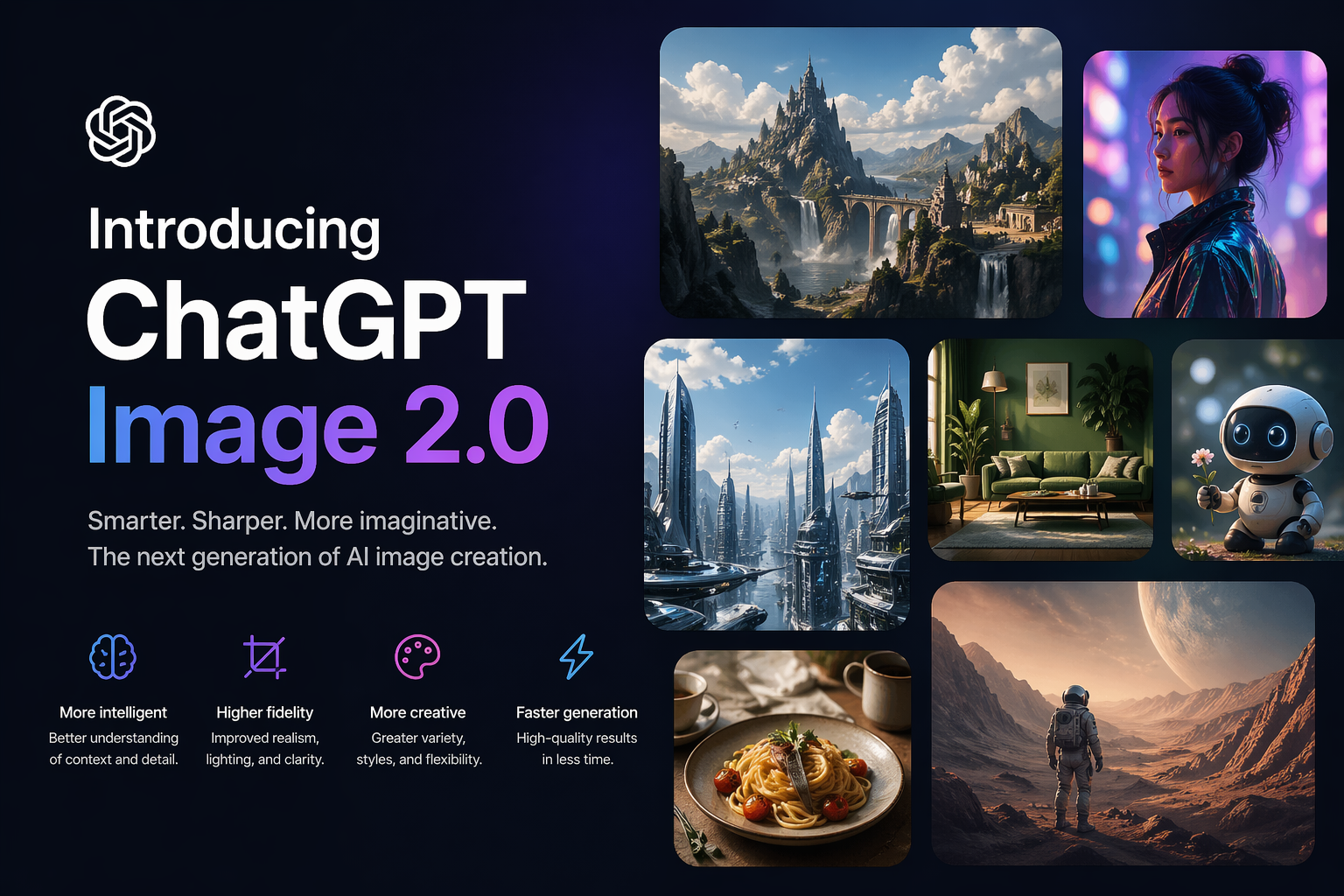
OpenAI just released ChatGPT Images 2.0, and for once the name isn’t misleading. This is the biggest upgrade to image creation inside ChatGPT since they first added the feature. If you’ve ever tried asking ChatGPT to make a poster, a social media graphic, or anything with text on it, you probably remember the results: blurry letters, misspelled words, and layouts that looked like they were assembled by someone who’d never seen a magazine. That era is over.
The new model, which OpenAI calls gpt-image-2 under the hood, rolled out on April 21, 2026. It’s available to all ChatGPT users right now, including those on the free plan. The paid tiers (Plus, Pro, and Business) get access to an advanced “Thinking” mode, which I’ll explain in a moment. But even the standard version is a significant step up from what you’ve been using.
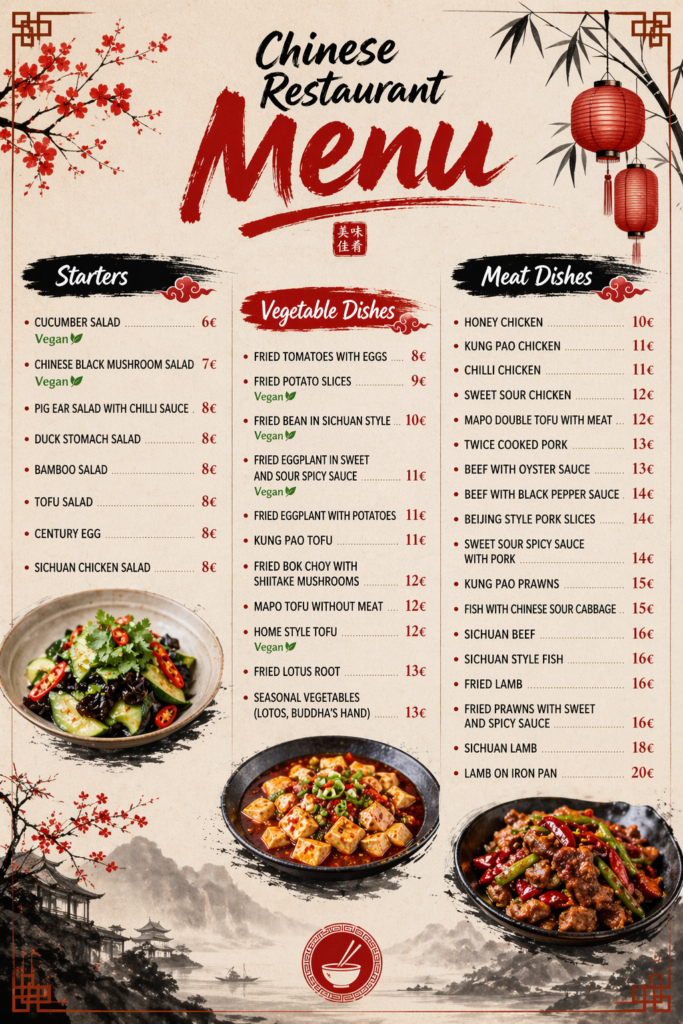
The single most impressive improvement is text rendering. Previous versions of ChatGPT’s image generator would routinely butcher anything written. Ask for a birthday card and you’d get “Hapy Brithday” in wobbly letters. Ask for a menu and half the dish names would be gibberish. Images 2.0 handles text with surprising accuracy, even in dense compositions like infographics, scientific diagrams, and restaurant menus. During OpenAI’s demo, they showed a magazine cover where every headline, volume number, and even the small “Display until” date on the barcode rendered cleanly. That’s a level of precision that simply wasn’t possible before.
This matters beyond English, too. The model now handles Japanese, Korean, Chinese, Hindi, and Bengali text far better than its predecessor. If you work in any of these languages, you’ll notice the difference immediately.
Images 2.0 generates pictures up to 2,000 pixels wide, which puts it firmly in “usable for real projects” territory. You can also request a much wider range of aspect ratios than before. Need a tall Pinterest pin? A wide banner for your website header? A square Instagram post? The model now supports aspect ratios up to 3:1 in either direction. Previously you were mostly stuck with squares or mild rectangles.
This flexibility matters because it means you can actually use these images where you need them, without having to crop or stretch them afterward in another tool.
The headline feature for paid subscribers is what OpenAI calls Thinking mode. Instead of immediately generating an image the moment you send a prompt, the model first reasons through what you’re asking for. It plans the composition, counts objects (so if you ask for “five birds on a wire,” you actually get five), checks visual constraints, and can even search the web for reference information before starting to draw.
In practice, this means fewer wasted attempts. Anyone who has used AI image tools knows the loop: generate, notice something wrong, rewrite your prompt, generate again, notice a different problem, try once more. Thinking mode cuts through a lot of that frustration by catching mistakes before they appear in the final image.
The most striking use case is multi-image generation. You can ask Thinking mode to produce up to eight images from a single prompt while keeping a consistent visual style across all of them. That opens up practical applications like multi-panel comic strips, storyboards, and sets of marketing materials in different sizes that all look like they belong together. During the demo, OpenAI showed a complete comic sequence where characters stayed recognizable from panel to panel, something earlier models struggled with badly.
Thinking mode is available only on Plus ($20/month), Pro ($200/month), and Business plans. Free users get the standard version, which still represents a major quality jump over the old model but skips the reasoning step.
For everyday users, the practical impact is straightforward: ChatGPT just became a much more useful tool for making visuals. Before this update, AI-generated images were mostly good for brainstorming, mood boards, and rough concepts. The text was too unreliable and the layouts too unpredictable for anything you’d actually want to share or print.
With Images 2.0, it’s realistic to ask ChatGPT to make a social media graphic with a quote on it and expect the text to be correct. You could create a simple flyer for a neighborhood event. You could mock up a basic presentation slide. You could generate an infographic that someone can actually read.
That said, keep your expectations grounded. This is still an AI generating images from text descriptions. Complex designs with very specific layout requirements will still need some back-and-forth. Professional graphic designers aren’t out of a job. But the gap between “AI-generated image” and “something I’d actually use” just got a lot narrower.
If you build apps or tools, the gpt-image-2 model is also available through OpenAI’s API. Pricing depends on image quality and resolution. At the standard 1024×1024 size, you’re looking at roughly $0.006 per image at low quality, $0.05 at medium, and $0.21 at high quality. Thinking mode costs more because it uses additional processing for the reasoning step, and the exact cost scales with how complex your prompt is.
The API supports all the same features: flexible aspect ratios, improved text rendering, multilingual output, and the thinking capabilities for subscribers on eligible plans.
ChatGPT Images 2.0 arrives at an interesting moment. Google recently launched its own upgraded image generator, and competition in this space is intense. What makes OpenAI’s approach stand out is the integration of reasoning into the image creation process. Rather than just translating your words into pixels, the model actually plans what it’s going to make. That’s a meaningful difference in practice, even if the marketing language around it (“it thinks!”) is a bit dramatic.
For regular users who just want to make decent-looking images without learning Photoshop or paying for a design tool, this update brings ChatGPT noticeably closer to being a useful creative assistant. The text works. The resolutions are practical. The formats are flexible. And if you’re on a paid plan, the thinking mode genuinely reduces the frustration of the generate-and-retry loop.
You can try it right now at chatgpt.com. Just start a conversation and ask it to make something.